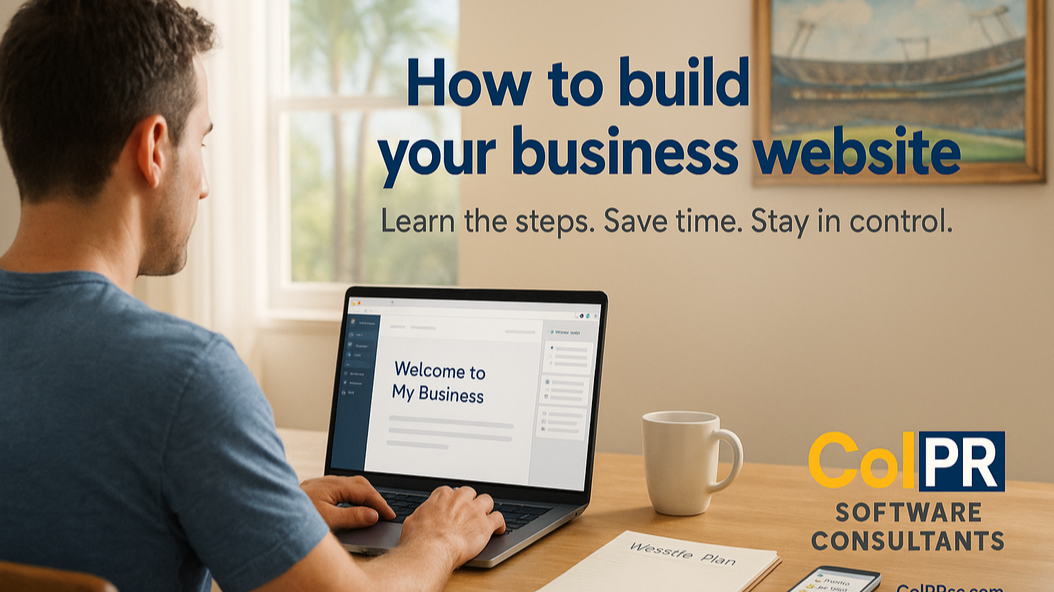
How to Build Your Own Website
By ColPR Team
By ColPR Software Consultants
A practical guide for business owners who want to build a professional site themselves.
1. Plan Before You Build
Define the purpose of your site first. Ask yourself:
- What do I want visitors to do? (Call, book, buy, sign up?)
- Who is my ideal visitor?
- What impression should the site leave in the first few seconds?
Start simple: Home, About, Services, Contact. Add complexity only when you need it.
2. Choose How You'll Build
AI-Assisted Builders
Platforms like Wix ADI or Squarespace AI generate layouts quickly. Good for prototyping, but still requires review and manual setup.
Content Management Systems (CMS)
WordPress and Webflow offer flexibility without coding. You can update pages easily and grow over time.
Hand-Coded HTML and CSS
Full control, but requires time to learn. Best if you want to understand exactly how websites work.
3. Get Your Site Online
Every website needs two things:
- A domain name (for example, mybusiness.com)
- Hosting (a server that stores your files)
For most small businesses, managed hosting is the simplest option. It handles the technical setup and lets you focus on content.
4. Design for Clarity
Use two fonts, three colors, and one primary call to action per page. Maintain generous spacing and test your site on mobile. Real photos outperform stock images.
5. Understand the Costs
- Domain: $10 to $20 per year
- Hosting: $10 to $30 per month
- SSL encryption: usually free
- Professional builds: $1,000 to $10,000 or more depending on complexity
6. Launch Checklist
- All links and forms work
- Mobile and desktop layouts look correct
- HTTPS is enabled
- Sitemap submitted to Google Search Console
- Everything is backed up
Building your own website is completely possible. Start simple, take your time, and improve as you learn. If you prefer to focus on your business while a local team handles the technical work, ColPR is here to help.